
Build it. Preview it. Share it.
From an idea to a working website, app, or game — right in your browser.
AI can help write code. kodeWeave gives you a place to make it yours: experiment, edit, run, refine, export, and share interactive projects. Free, open source, and ready on desktop or mobile — no account required.
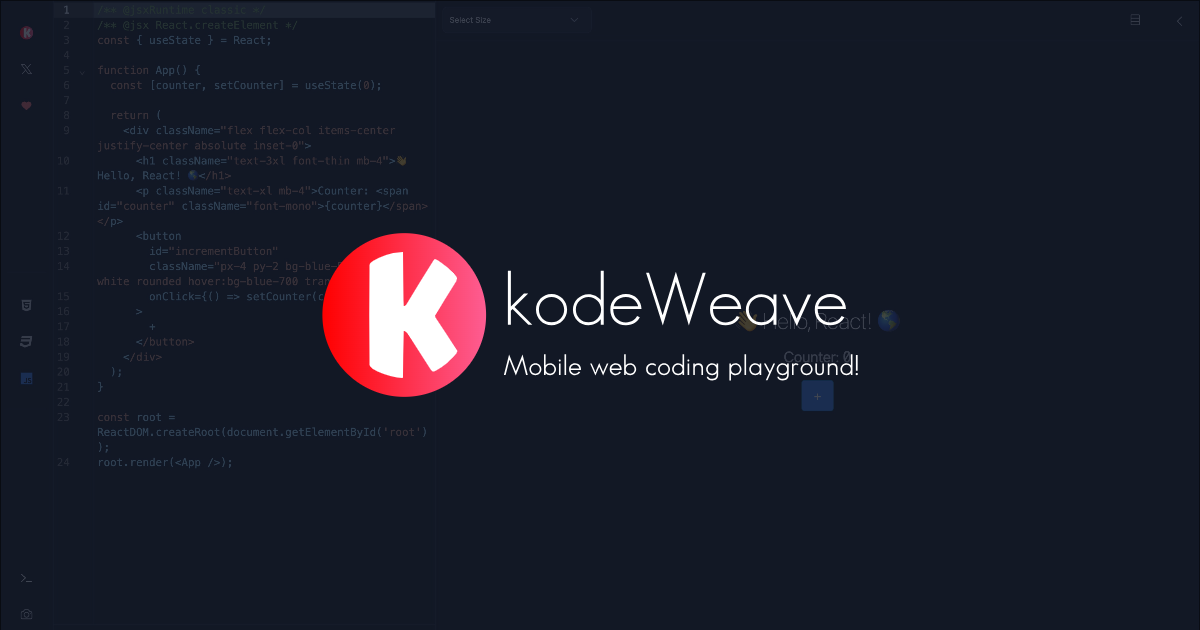


A landing page. A game. A timer. A dashboard. A full interactive app.
kodeWeave gives you HTML, CSS, and JavaScript editors, a live preview, ready-to-explore framework templates, and ways to take your work beyond the editor. Create on desktop or mobile, then export your project or send someone a link to try it.
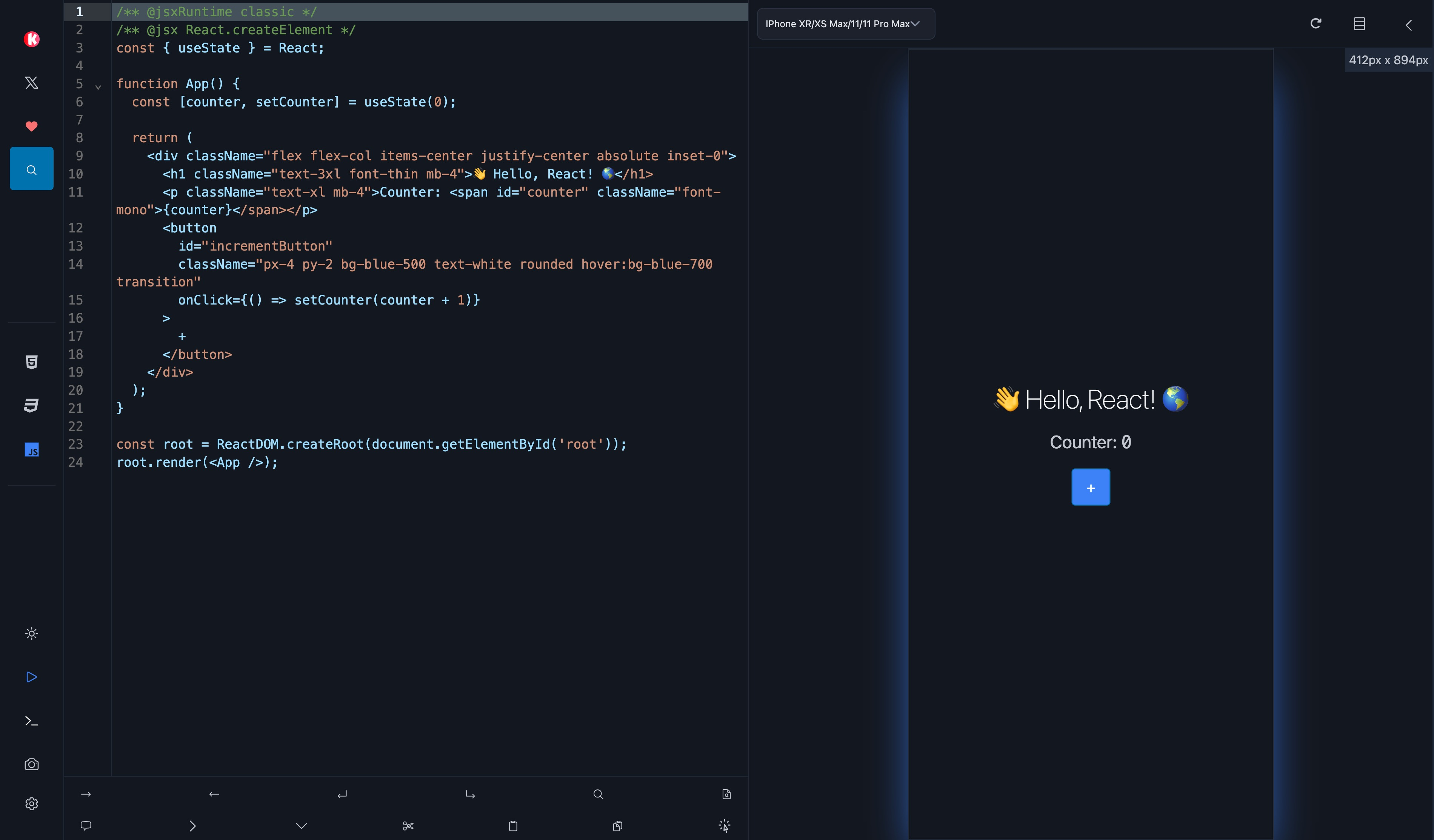
These projects show the range of things you can make — from practical tools to interactive experiences.
An offline-first survival training and preparedness application.

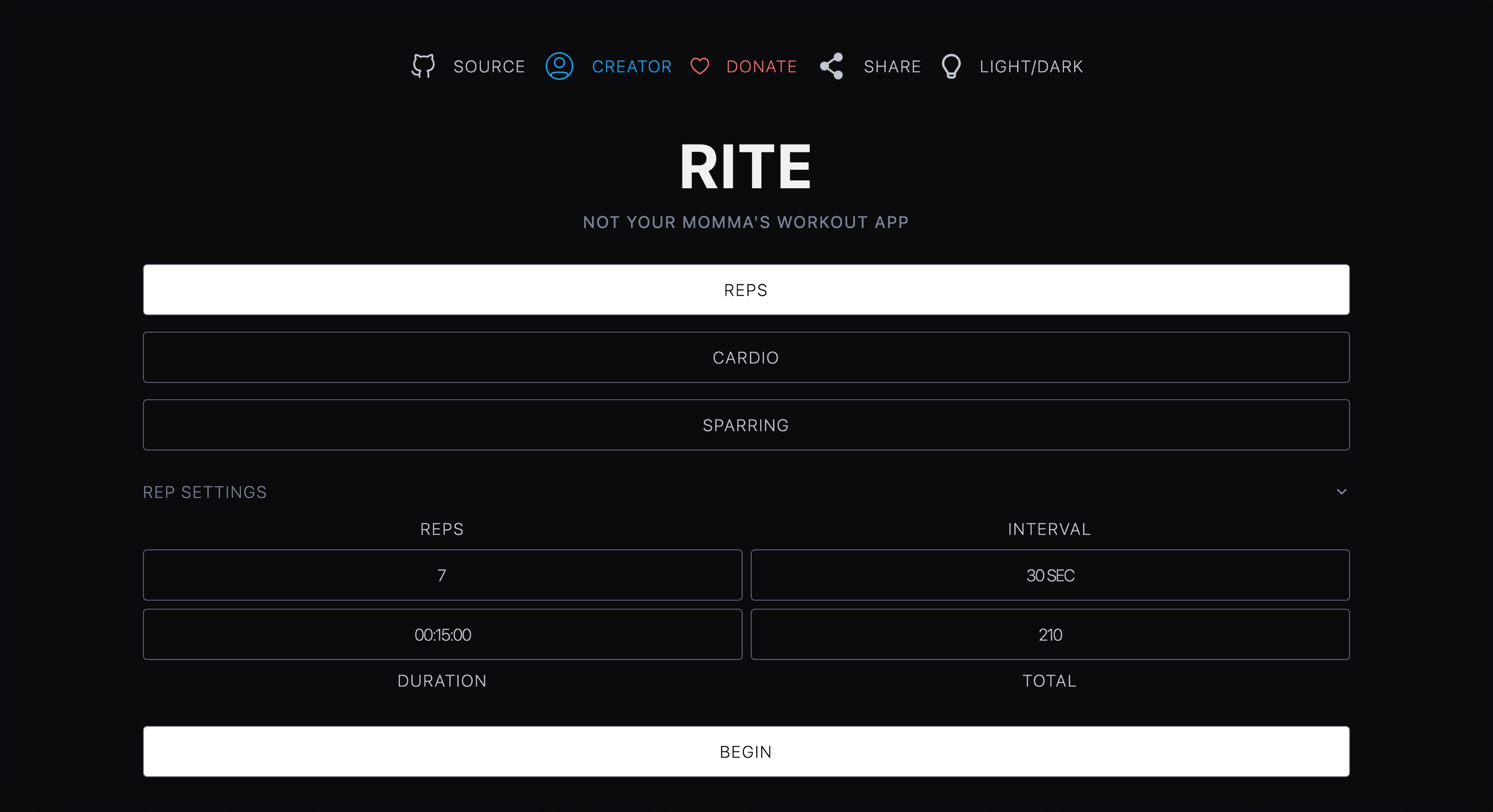
A minimalist workout timer for interval training, stretching, martial arts, and everyday fitness.
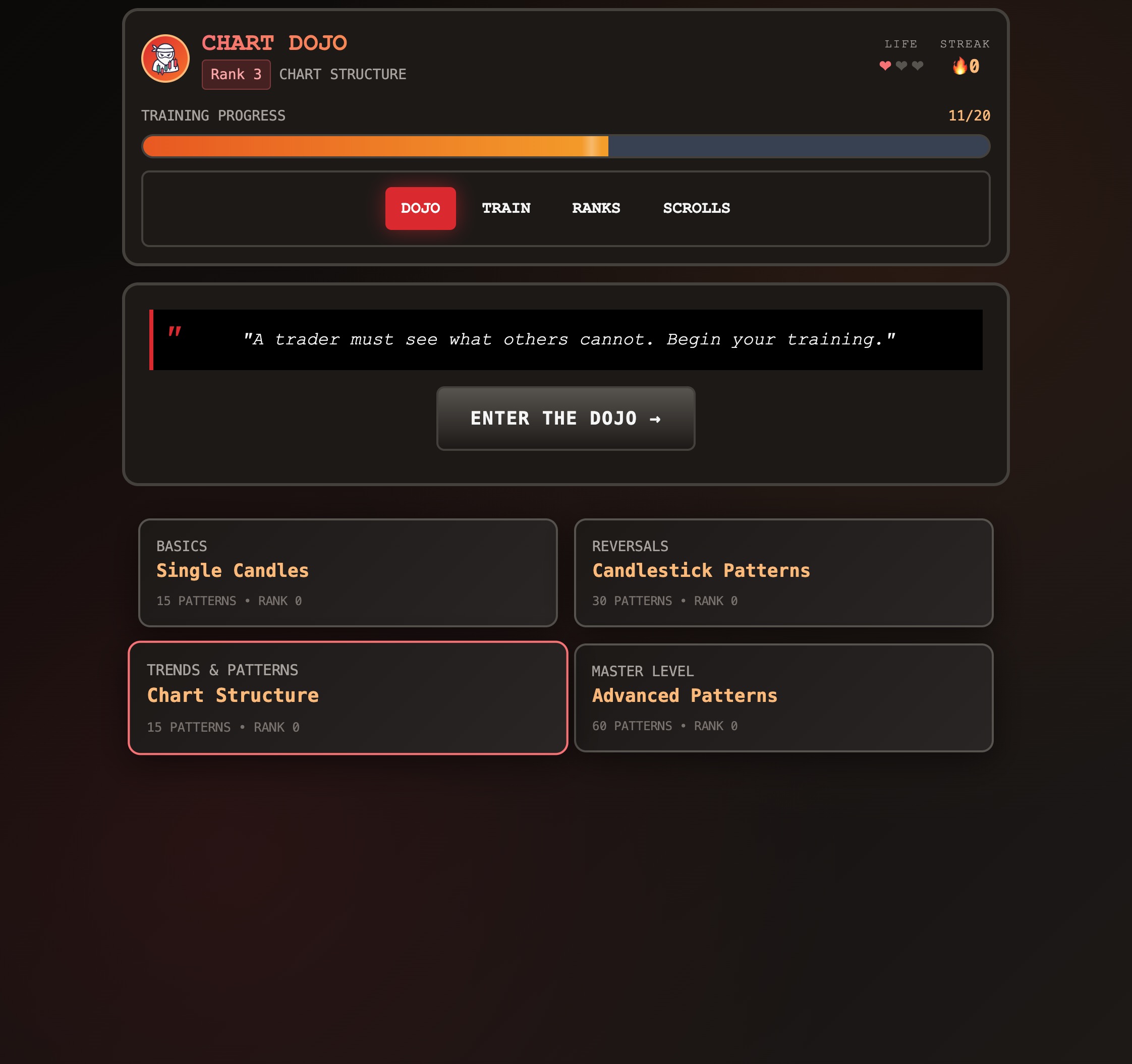
An interactive chart-reading dojo for practicing trading pattern recognition and decision-making.
Explore more projects on the kodeWeave homepage
- Live coding workspace: Edit HTML, CSS, and JavaScript and preview your work.
- Framework starters: Start from templates such as Alpine and React instead of an empty file.
- Build anywhere: Work in a mobile or desktop browser, with offline capabilities after the app's required resources are available.
- Import and export: Save portable kodeWeave JSON projects or work with a complete standalone HTML file containing HTML, CSS, and JavaScript; use the app's available export options, including PWA-related exports.
- Share and preview: Turn a publicly hosted project file into a full-screen preview link.
- Open in the editor: Send a project URL that loads into kodeWeave with the HTML editor visible.
- Creative resources: Explore built-in asset discovery and screenshot tools.
- No account required: Free and open-source, with no mandatory cloud workspace.
kodeWeave accepts publicly hosted kodeWeave JSON projects and standalone HTML files. You can put an entire application in one HTML file—including its CSS and JavaScript—and share or import it directly, without converting it to JSON. Both file formats support two experiences:
| Mode | What your friend sees |
|---|---|
Share (/share/?project=...) |
The project running full-screen, without the editor. |
Embed / Import (/embed/?project=...) |
kodeWeave opening the project in its editor, with HTML selected. |
Explore the same working app in two file formats. Each format can be previewed full-screen or opened in the kodeWeave editor.
| Project format | Full-screen preview | Open in editor | Source file |
|---|---|---|---|
| kodeWeave JSON — portable project data | ▶ View app | ✏️ Edit project | View JSON |
| Single HTML file — HTML, CSS, and JavaScript in one file | ▶ View app | ✏️ Edit project | View HTML |
Share opens the running app without the editor. Embed / Import loads the file into kodeWeave so you can explore and modify it.
- Export a kodeWeave JSON project or prepare a standalone HTML file containing your app.
- Host that file somewhere publicly accessible, such as a GitHub repository using its raw file URL.
- In kodeWeave's Export dialog, find Share & Embed, paste the hosted URL, and copy the link you want.
For example, given a file at https://example.com/my-project.json, your links would look like:
https://michaelsboost.com/kodeWeave/share/?project=https://example.com/my-project.json
https://michaelsboost.com/kodeWeave/embed/?project=https://example.com/my-project.json
The project URL can point to a .json or .html file. It is a reference to a hosted file: generating a link does not upload the file. Remote hosts must permit the browser to fetch the content (for example, through appropriate CORS headers). The project must remain accessible for shared links to work.
kodeWeave uses JavaScript Proxies, a custom Virtual DOM, and DOM diffing to power its interface. Its goal is a responsive development environment without requiring every creator to set up a conventional desktop toolchain.
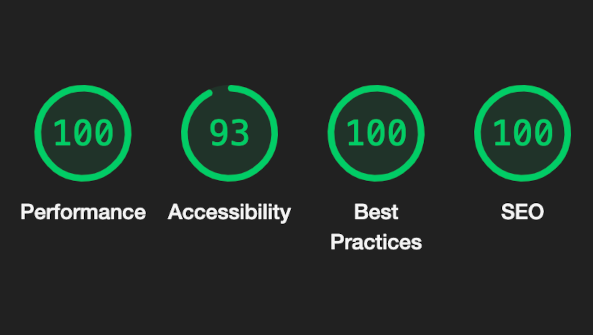
Lighthouse image reflects a captured audit, not a guarantee of current scores on every device or deployment.
Use the Launch App badge at the top to open the hosted editor. No installation is required.
To run the repository locally:
git clone https://github.com/michaelsboost/kodeWeave.git
cd kodeWeave
python3 -m http.server 8000
Then visit http://localhost:8000/go/ to use the editor. Some development changes require rebuilding the JavaScript bundle; use the project's build tooling for those changes.
kodeWeave brings together open-source technologies and browser APIs, including:
- CodeMirror — code editing
- Emmet — faster HTML and CSS authoring
- Tailwind CSS — interface styling
- JSZip and FileSaver.js — client-side exports
- html2canvas — screenshots
- cdnjs — library discovery
- Openverse and Iconify — creative asset discovery
- Heroicons and Font Awesome — interface icons
kodeWeave is free and open-source. Bug reports, pull requests, usability improvements, documentation fixes, and new ideas are welcome.
View source · Report an issue · Star the repository
If kodeWeave helps you create something, share your work, star the repository, or contribute code and feedback. You can also support continued development.
kodeWeave is free, open-source software licensed under the MIT License.
Created by Michael Schwartz · michaelsboost.com · @kodeweave_app
Build something. Share it. Inspire someone else to build.