
Install with npm install @rdlabo/ionic-theme-ios27 @erkamyaman/capacitor-foldable. For 1.x, use the v1.2.1 guide.
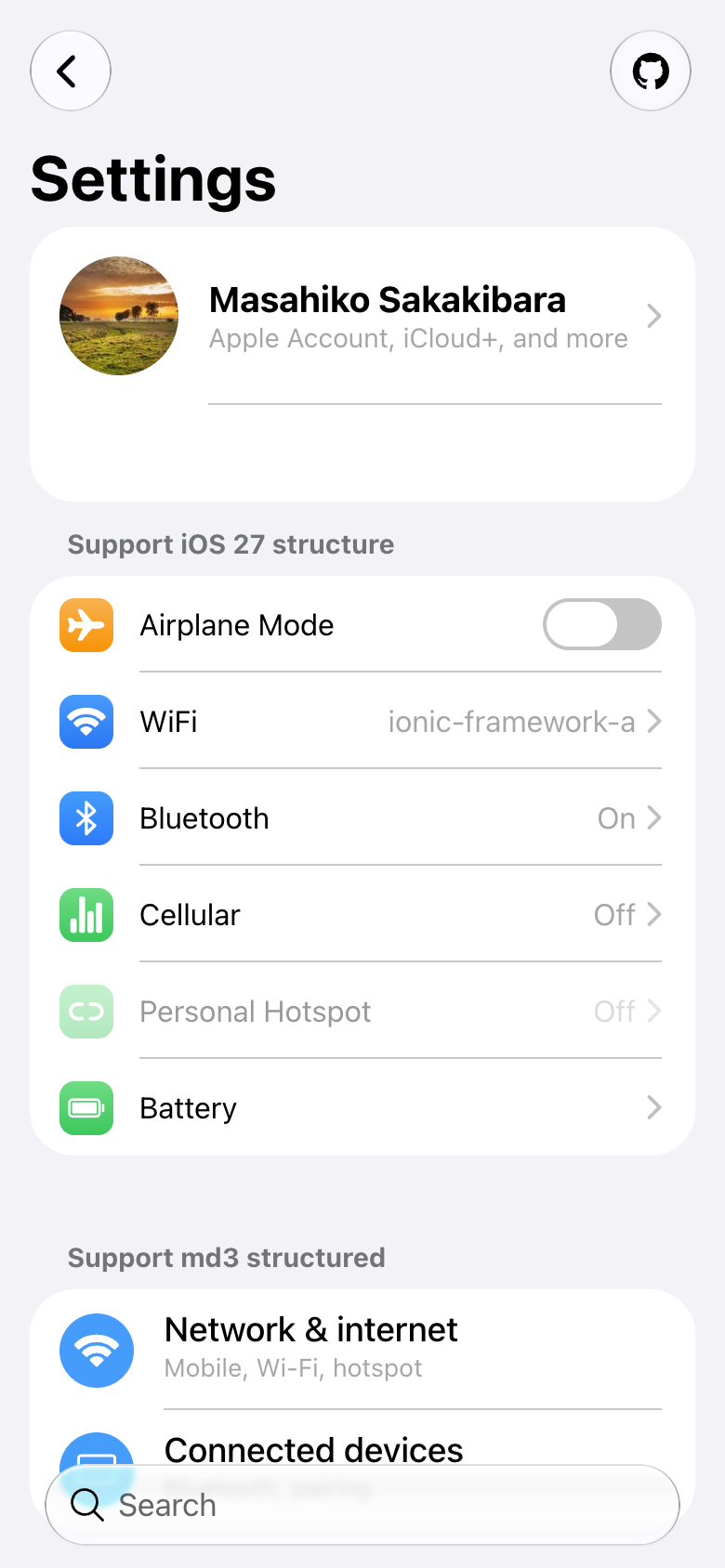
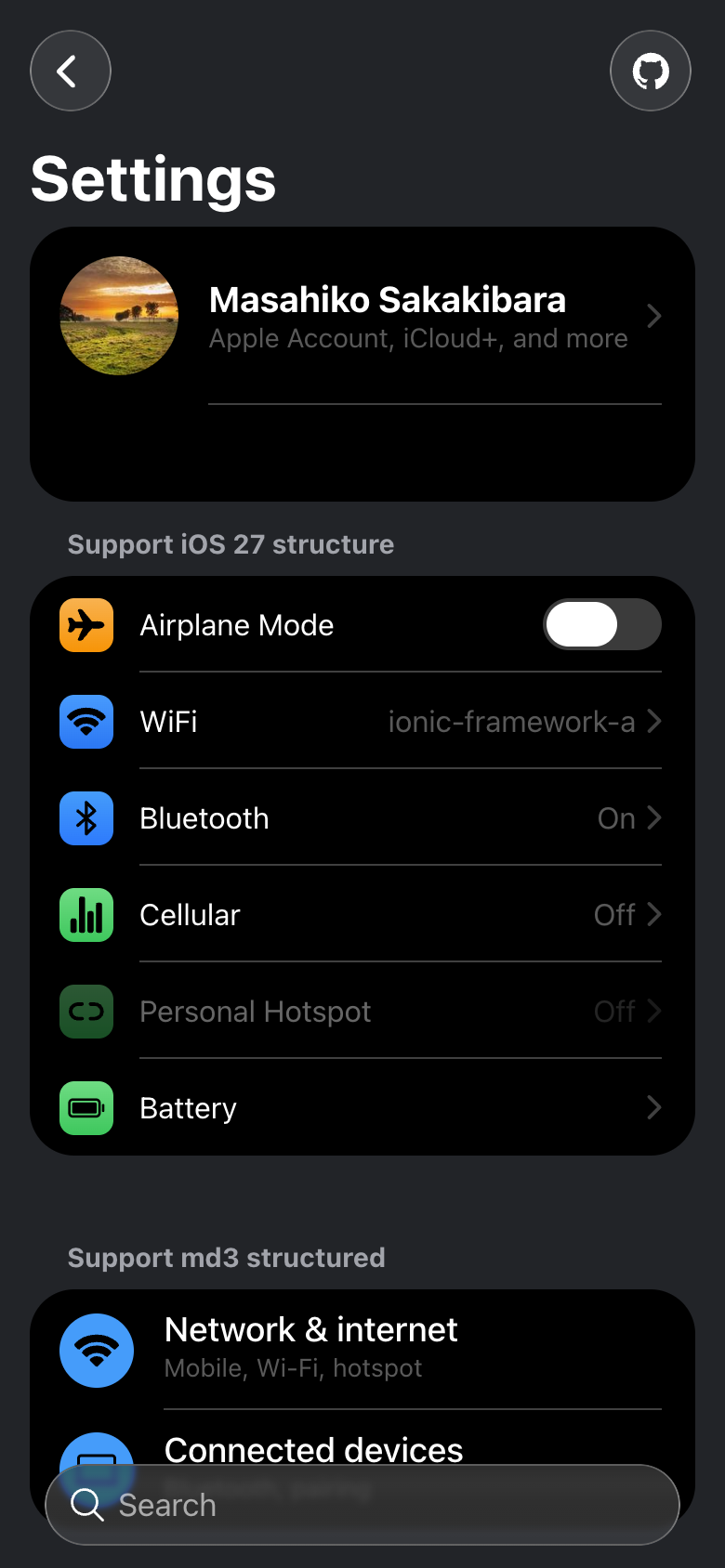
A theme for Ionic apps that brings iOS 27 Liquid Glass and motion to the Web. Capacitor iOS apps can also opt into Native UI for supported controls, officially supported starting with 2.0.0.
| Goal | Guide |
|---|---|
| Style an existing Ionic app | Get started |
| Select iOS 26/27 styles and optionally use MD3 | Adaptive themes |
| Add native iOS controls to a Capacitor app | Add Native UI |
| Add a side rail to Ionic while keeping your own theme | Vertical Bars step by step |
| Optional: use the theme and Native UI with Cordova | Cordova setup |
| Upgrade an existing installation | Migration |
The standard guides use the standalone theme package, with Capacitor as the default native host. Theme-only browser use remains supported. For a Cordova application, use the optional Cordova guide, which covers its bundled theme and host-specific startup.
We use Capacitor Foldable, an excellent community plugin by Erkam Yaman, as our standard device-layout integration. It exposes fold state, hinge geometry, bar placement and change events to your application, giving you control over how the layout responds. Foldable handles device reporting; the theme provides Web layout helpers and Native UI projects controls. Install it alongside the package you use, then connect its events in your app.
Use the four-step setup guide to install the theme, load styles, configure animations, and preview your first screen. Its declared Ionic compatibility range is >=8.8.1 <10, including Angular, React, and Vue; automated E2E validation targets Ionic 9. A native Capacitor project is not required for browser use.
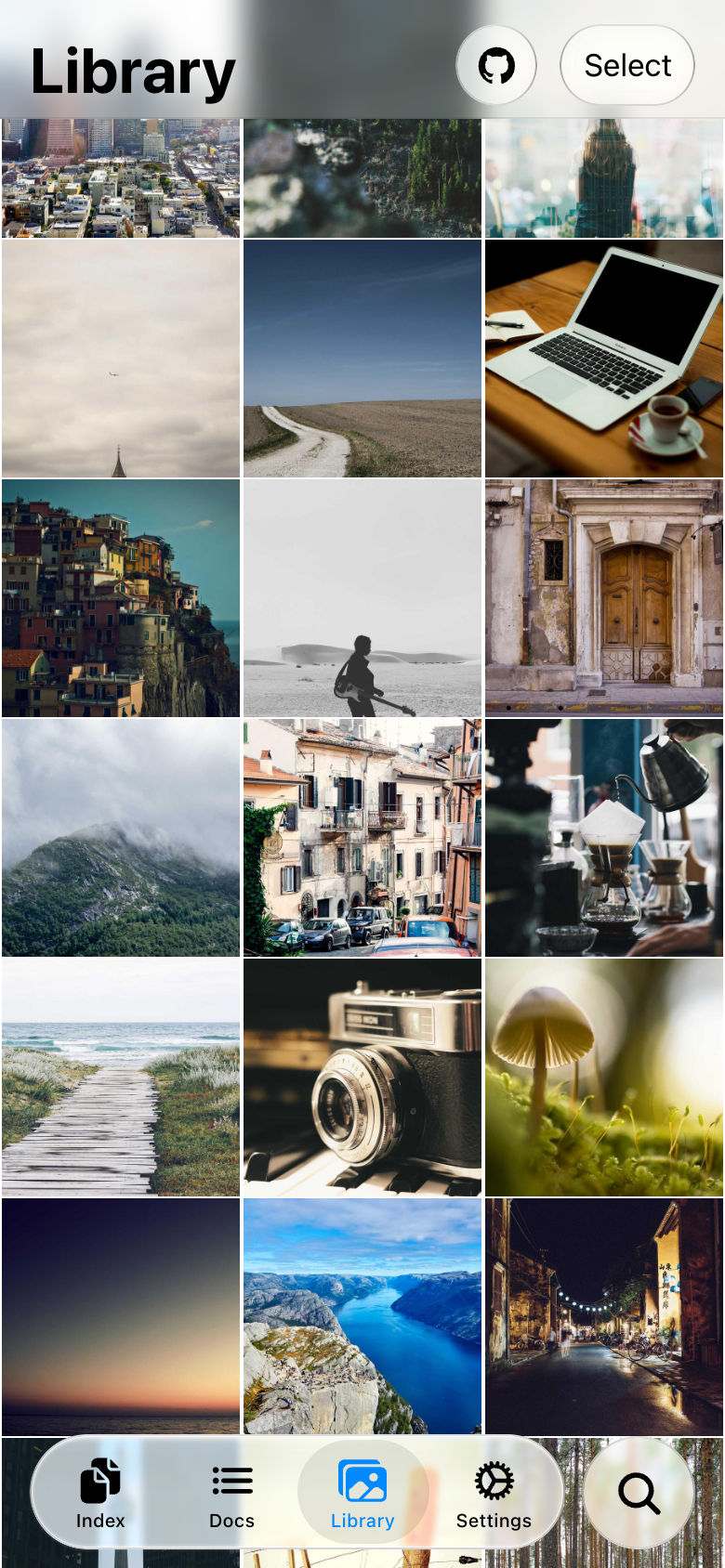
The theme styles toolbars, tabs, lists, buttons, search, and overlays, with light and dark appearances. It does not activate native controls. Once the Web theme is working, you can optionally add Native UI.
- Features: CSS variables, Liquid Glass, and selective component imports.
- Special markup and classes: opt-in component behavior.
- Using ion-item-group: inset list markup.
- Animation: tab, segment, and search effects.
- ESLint: catch unsupported list structure.
- Vertical Bars layout: spacing, RTL, device placement, posture, and split panes.
The Capacitor plugin is maintained in webview-native-ui/capacitor-plugin. This repository owns the Ionic theme, the combined demo, browser screenshots, and simulator integration tests. The demo installs @rdlabo/capacitor-native-ui from npm; theme releases do not publish or change the plugin version.
The Cordova plugin is maintained separately. It distributes a pinned copy of this theme with its integration imports connected to Cordova. Shared theme fixes belong here; Cordova updates its pinned theme version in a subsequent plugin release. The Capacitor demo and candidate checks below do not validate Cordova.
To verify an unpublished plugin archive against the real demo, run:
npm run test:native-candidate -- /absolute/path/rdlabo-capacitor-native-ui-VERSION.tgz --e2eThis creates an isolated temporary checkout and leaves your manifests and lockfiles unchanged. Add --shard=1/2 alongside --e2e to run one Playwright shard; run every shard to cover the full suite. Each shard retains package checks, unit tests, and the production build. Add --simulator=UDID for native UI, search, and edge simulator suites. Diagnostics and the temporary demo are retained at the printed path. Plugin-only unit and native library tests live in the plugin repository. Its CI tests each candidate archive against this repository’s main branch.
Release the root theme package with npm run release from a clean, up-to-date main. The ios27-v… tag workflow publishes only the theme, using next for prereleases and latest for stable releases.
Theme and plugin versions are independent. For the standalone @rdlabo/ionic-theme-ios27 package, Capacitor Native UI is a required peer dependency so the theme and application share one plugin instance. npm 7+ installs it automatically for theme-only apps; other package managers must install required peers. Apps using native controls must also declare the plugin directly for Capacitor discovery. A published npm version cannot be overwritten.